eSIM, money and connectivity abroad: how not to overpay
How to stay connected without roaming, what to pay with abroad and how not to lose money on exchange rates and fees — explained in plain language.
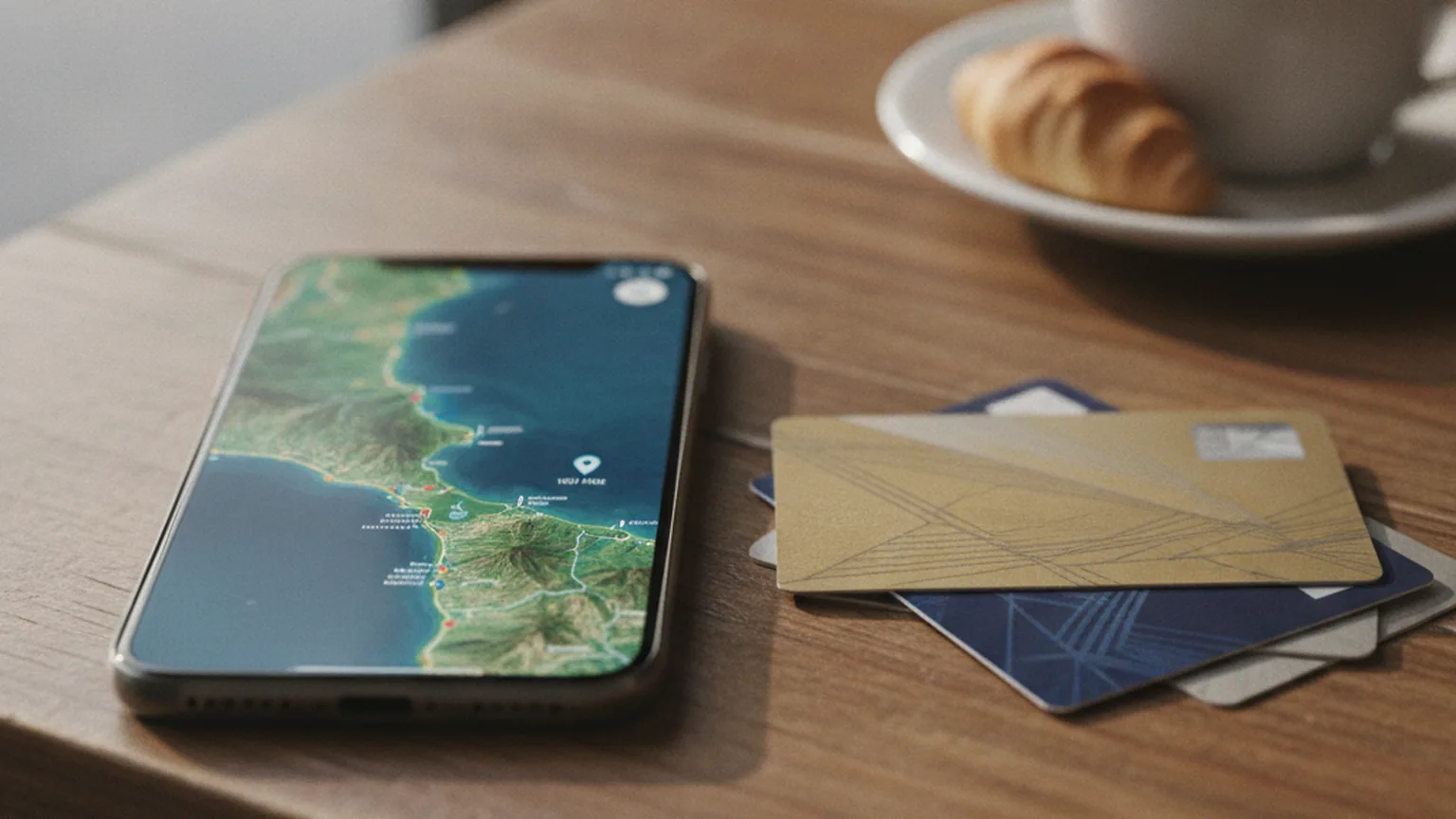
Three things damage a trip's budget more than souvenirs: expensive connectivity, a bad exchange rate and payment fees. Let's work out how to set up connectivity and money in advance so that abroad you think about the experiences, not your balance.
eSIM or roaming
Your home operator's roaming is convenient because there's nothing to set up, but in money terms it's almost always the most expensive option. eSIM — is a virtual SIM card: you buy a data package for a country or region and activate it with a QR code, while your main number stays in place for calls and bank codes.
- Check that your phone supports eSIM — most modern models do, but not all.
- Take a package with the data volume and validity you need; for navigation and messengers a modest plan is enough.
- Set the eSIM up at home while you have Wi-Fi, and activate it after you land.
- The alternative is a local physical SIM at the airport or a shop: sometimes cheaper, but it needs your passport and time to register.
Set up connectivity and money at home. Abroad you want to be out walking, not hunting for a working card and Wi-Fi.
What to pay with and how not to lose on the exchange rate
For Russian travellers the key point is: find out in advance which cards actually work in your destination country, and always carry cash as a backup — in a currency that's easy to exchange there. Don't rely on a single card, keep a fallback payment method.
- Split your money: some in cash, some on a card, some stashed separately in case of loss.
- When paying by card, always choose to be charged in the local currency rather than in roubles — the acquiring bank converts "in roubles" at a poor rate.
- Change currency at banks and reputable exchange offices, not at the airport and not with people on the street.
- Withdraw cash in larger amounts less often — that way you pay fewer fixed per-transaction fees.
Security and offline
Public Wi-Fi in cafés and airports is convenient but unsafe for payments and banking. Do financial operations over your own mobile data rather than an open network, and switch on every available login confirmation.
- Download offline city maps in advance — they work without internet and save data.
- Save the hotel address, your bank's phone number and copies of your documents in your notes in case the network drops.
- Don't keep all your money and cards in one wallet; duplicate the important things as photos on your phone.
- Turn off auto-connect to open networks so your phone doesn't latch onto someone else's Wi-Fi by itself.
Frequently asked questions
Which is better — an eSIM or a local SIM card?
An eSIM is more convenient: you set it up in advance and don't have to find a shop in a foreign country. A local physical SIM is sometimes cheaper per gigabyte, but you have to register it on the spot with your passport. For a short trip the eSIM usually wins.
Which currency should I pay in by card abroad?
Always choose to be charged in the country's local currency. If the terminal offers to "pay in roubles", it will apply its own poor conversion rate — you'll lose a few percent on it.
Is it safe to use Wi-Fi in cafés and hotels?
For reading and maps, yes. For payments, banking and entering passwords, no: open networks are vulnerable. For financial operations use mobile data with login confirmations switched on.
Destination ideas and checklists — straight to your inbox.
Once every couple of weeks — where to fly this season, how to catch cheap tickets and a short packing list. No spam.
More from the journal
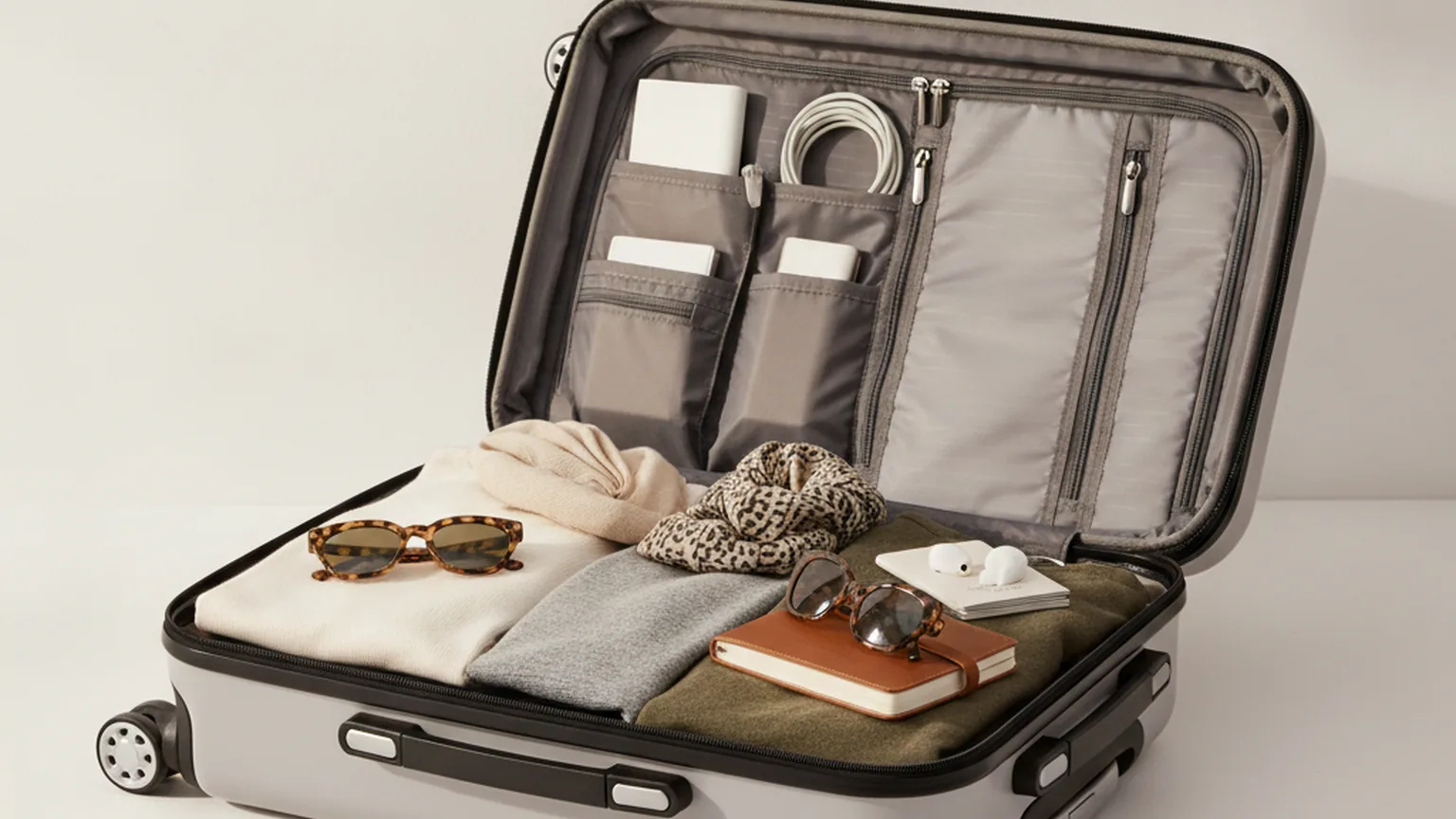
What to pack in your carry-on: a traveller's checklist
Liquids, gadgets, documents and your make-up bag — we've put together a carry-on checklist that means you leave nothing at home and hand nothing over at security.

Flying with a child: a calm flight
Flying with a child doesn't have to be an ordeal: the right preparation, a couple of tricks for their ears and a lifesaver bag solve almost everything.

Travelling solo: safe and a joy
Solo travel for a woman is freedom on your own terms: you choose the route, the pace and the experiences, and keep safety under control without paranoia.